Settings
Open the Settings dialog with Mod + , (Cmd on macOS, Ctrl elsewhere)
or from the Edit menu.
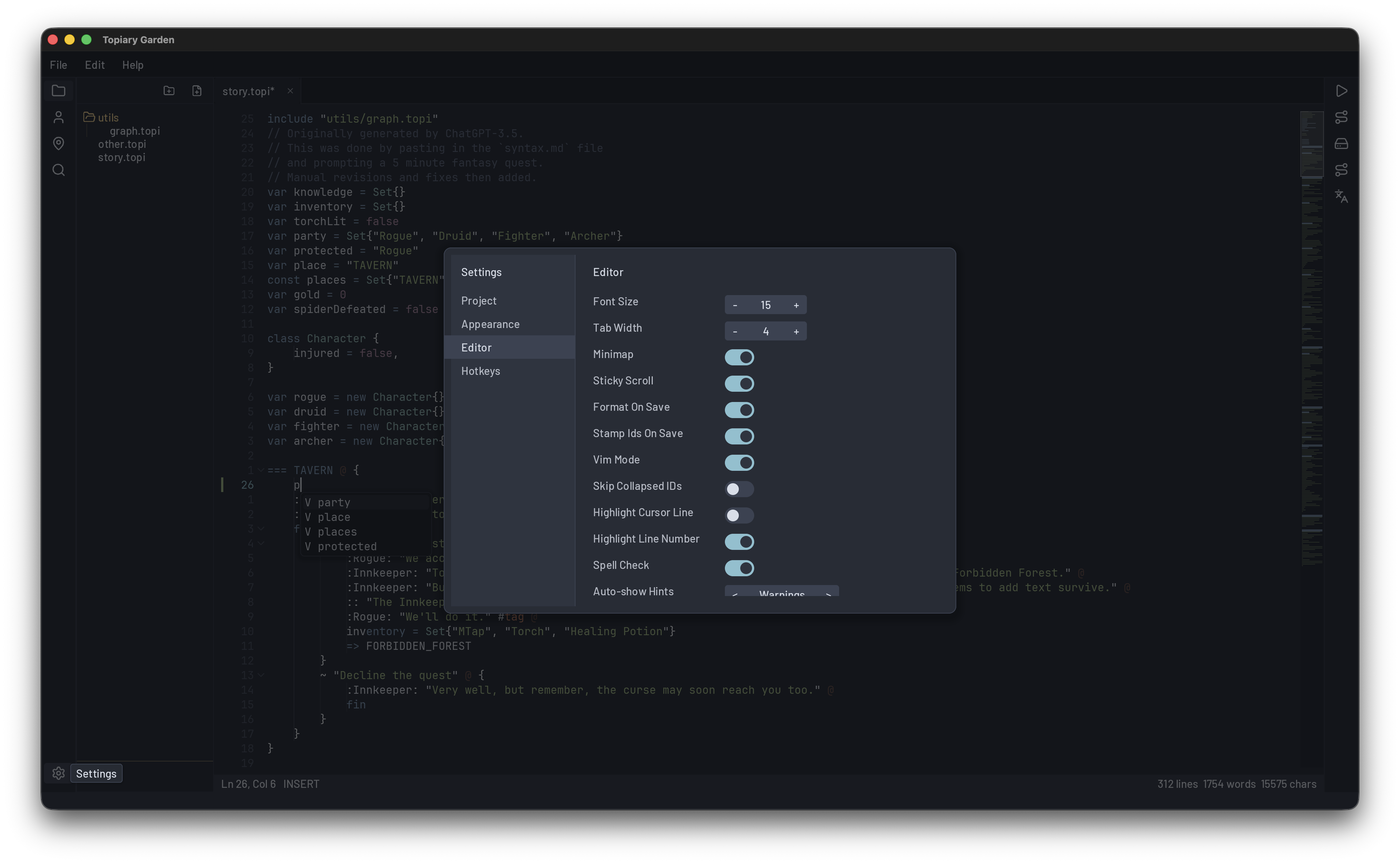
Settings live in three tabs:
- Project - per-project preferences (auto-save behaviour, default tab width, etc.). Saved alongside the project.
- Editor - global editing preferences (font size, tab width, minimap, sticky scroll, vim mode, smart indent, auto-close brackets).
- Appearance - theme and window preferences (theme picker, light/dark variant, window size).
Themes
Garden ships five themes, each in dark and light variants (ten total): Nord, Dracula, Gruvbox, Monokai, and Catppuccin.
Cycle themes quickly with F10, or pick one from Appearance settings.
Where settings live
- Project settings: stored in the project folder, committed with your project if you version it.
- User settings: stored in the config home for your platform:
- macOS / Linux:
~/.config/garden/ - Windows:
%APPDATA%\garden\
- macOS / Linux:
The same directory holds garden.log (current session) and
garden.prev.log (previous session). The Help > Reveal Log File
menu item opens it directly in your file browser for crash reports.