Features
Code intelligence
Because the topi compiler runs in-process, every edit feeds diagnostics and navigation data within the same frame.
- Goto Definition (
F12) and Find All References (Shift+F12) - Inline diagnostics with colored underlines, gutter markers, and end-of-line messages
- Jump between errors and warnings with
F8/Shift+F8 - Diagnostic peek panel that auto-opens on hover or idle
- Background symbol indexing with content-hash caching so unchanged files skip re-parsing
Editing
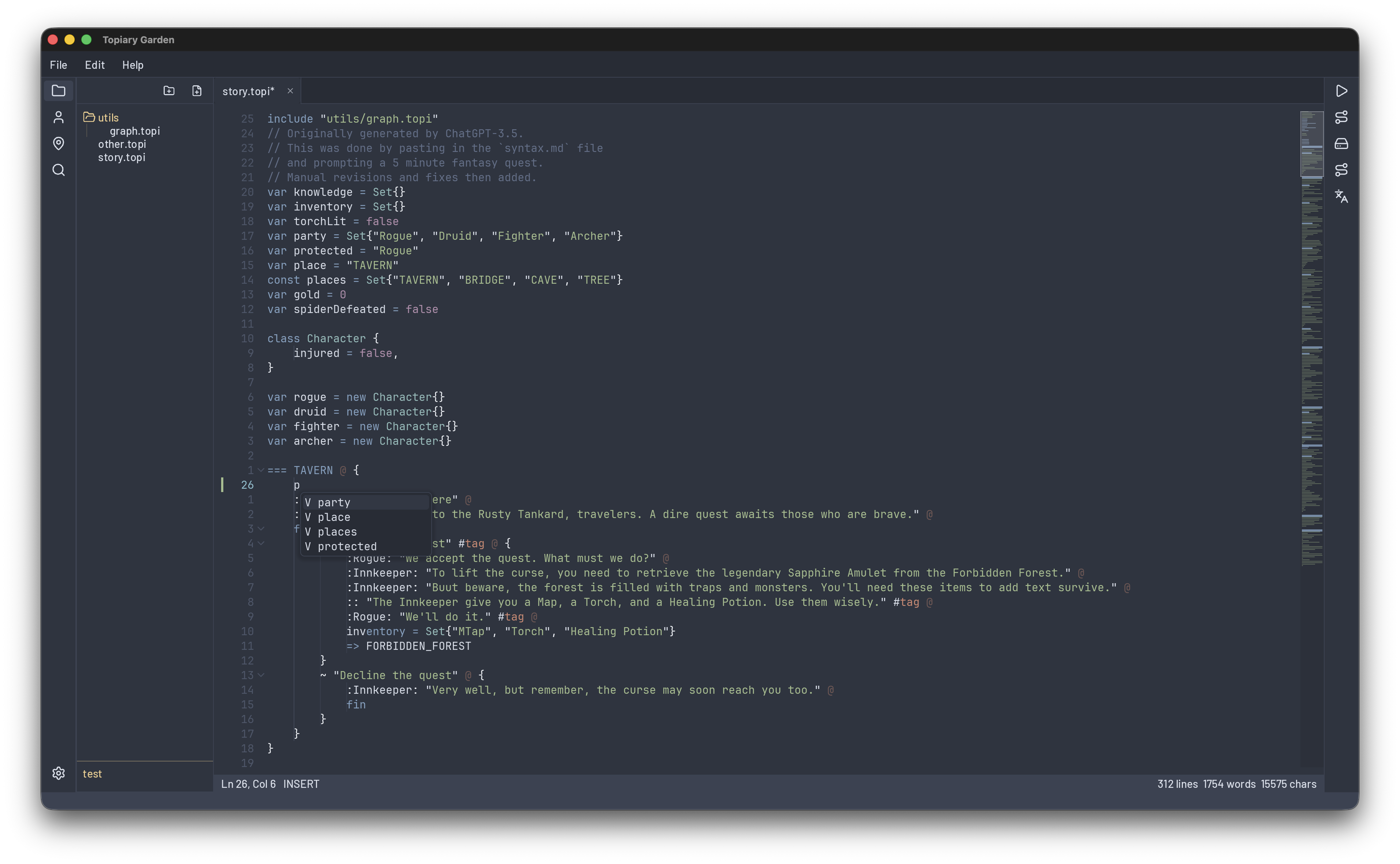
The usual editing primitives you expect plus a few niceties:
- Undo / redo, search and replace
- Auto-close brackets and quotes
- Smart indent / dedent
- Code folding for boughs, forks, and blocks
- Bracket pair matching
- Word highlighting - all occurrences of the word under cursor
- Indent guides
- Minimap and sticky scroll headers (toggleable)
UI
-
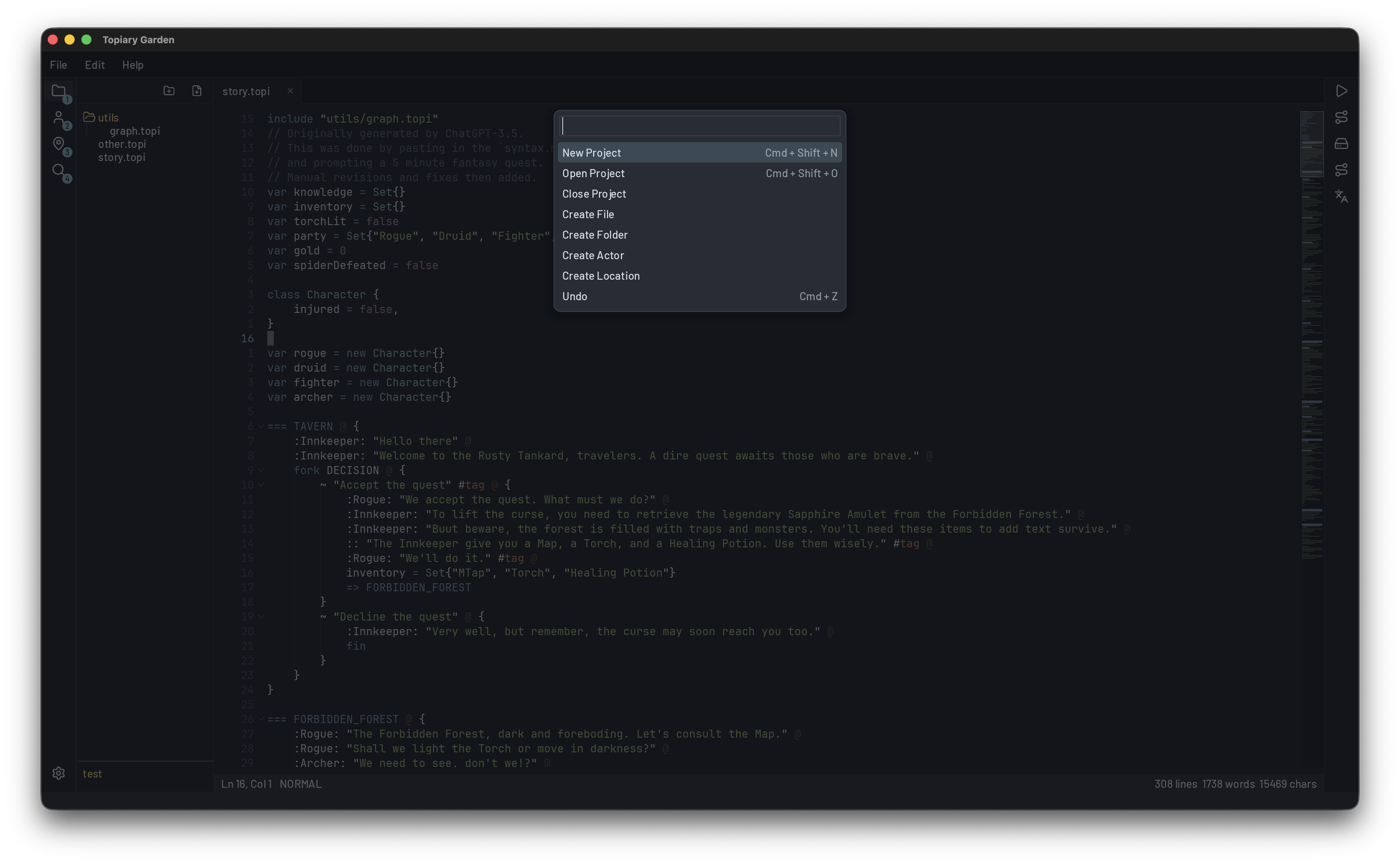
Command palette for quick access to every action and file
-
File tree with create, rename, delete, duplicate, and drag-and-drop
-
Tabbed editor with drag-to-reorder and context menus
-
Resizable sidebar and story panel that remember their layout per project
-
Go-to-line, status bar with diagnostic summary, tooltips on all icon buttons
-
Welcome screen with recent projects, built-in topi syntax help
Project management
- Create new projects or open existing folders
- Workspace persistence: open tabs, active tab, sidebar width, panel layout saved per project
- User-level settings for window size, theme, font size, and tab width